Most travel apps go quiet the moment your itinerary is ready. You get a neat list of stops — and then you're on your own. But a plan is just intent. The trip is what actually happens: the bus that runs late, the rain that rolls in, the café that turned out to be closed, the beach you loved so much you stayed an extra hour.
ECSATrail's new post-plan experience is built for exactly that gap. It carries you from "here's your plan" all the way to "here's how your trip actually went" — with live monitoring, offline resilience, and a recap worth keeping. Here's everything we shipped, and why each piece matters when you're actually on the road.
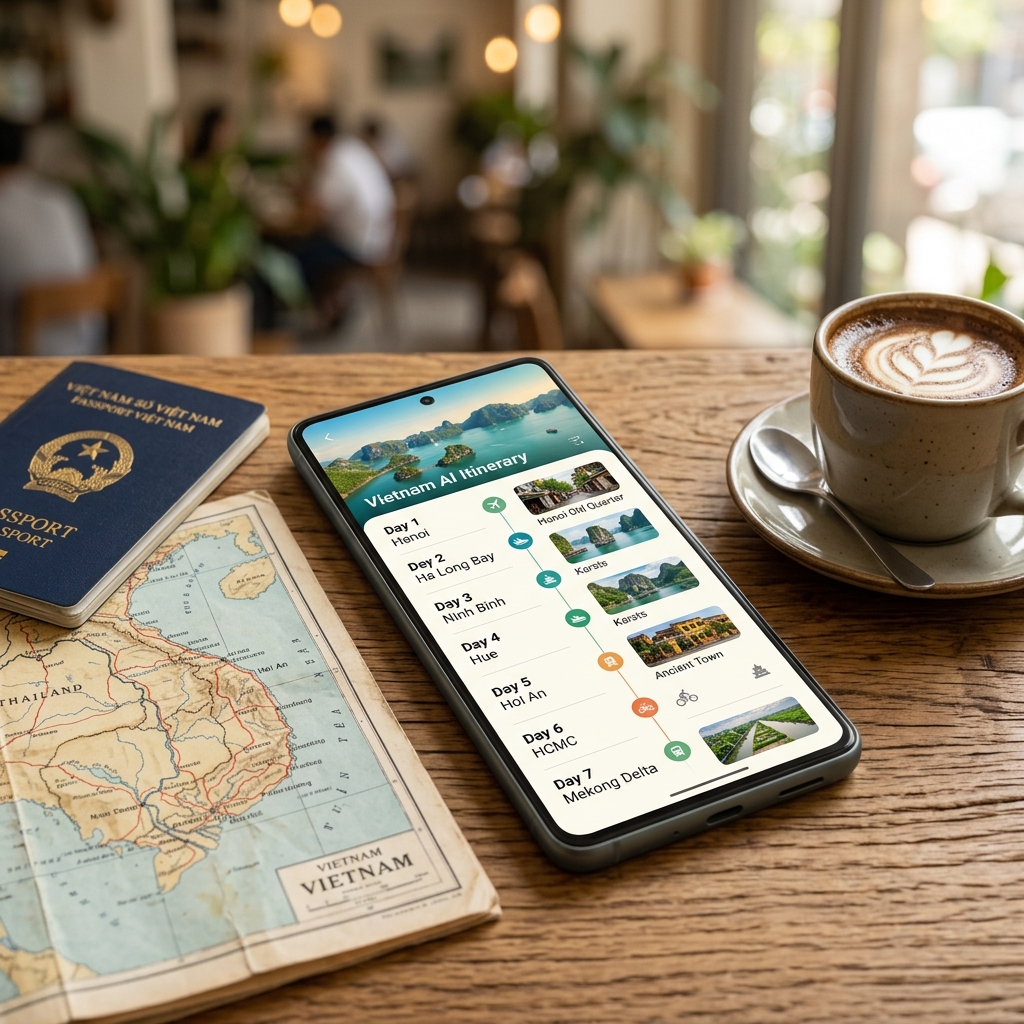
From a plan to a live trip
A plan is something you make. A trip is something you're on — and we made that difference real.
Every generated plan now has a start date. Pick it in the wizard, or set it later from the itinerary header. When the date arrives — or when you tap "Start now" — the plan activates into a live trip. The header flips to a live view: "Day 1 of 3," a countdown before departure, and an End trip button.
The clever part is invisible: when you start, we take a snapshot of the plan. From that moment the trip carries its own copy of the stops, so you can keep AI-editing the original plan later without disturbing the trip you're on. Start the same trip twice? Nothing breaks — it's a no-op, and you can only ever have one trip active at a time.
Check in as you actually go
The plan predicts; the traveler confirms. We capture the difference.
Every stop gets a Check in / Skip control, and a "Now" pointer highlights where you should be. Turn on Trip Mode and the app opportunistically notices when you're physically near an upcoming stop and offers a one-tap confirm — honest about what it knows ("You're near X now") and never pretending to have tracked you in the background. Manual check-in is always first-class; the geofence is a helper, never a requirement.
Wander off-script? If you visit stops out of order or skip ahead, the app quietly re-orders the rest of your day for you — with an Undo. Bigger changes, like adding or dropping a stop, always ask first.
On privacy we drew a hard line: location is opt-in, disclosed before anything is collected, and we only ever store an accepted check-in — never a background trail.
The trip watches the weather for you
The best re-plan is the one that reaches you before you're standing in the rain.
Subscribe to push notifications per device, and a background service quietly checks the weather for every active trip against a baseline captured at your trip's start. If a real, actionable change appears — clear skies turning to storm on a day with outdoor stops still ahead — it raises an alert.
Free travelers get the heads-up. Premium travelers get an AI-generated "Plan B": a concrete adjustment — reorder, retime — they can accept or reject. Every alert also lands in an in-app Alert Center, so nobody misses anything even if push isn't available on their phone. It respects quiet hours and never spams the same alert twice. And it all runs on our servers, not your battery.
Traffic help — only when it matters
Weather is slow; traffic is now. So traffic is handled live, right inside the itinerary.
With your itinerary open during an active trip, the app checks traffic-aware travel times for your remaining drive legs. If one is materially delayed — roughly ten minutes or more, or a downstream knock-on past twenty — a banner appears with the delay and a premium "AI adjust" shortcut. It's client-side only: no polling, no cost when there's no active trip, and it never overwrites your cached route.
It works with no signal
You're most likely to open your itinerary exactly where there's no signal — a cave, a mountain pass, a foreign SIM that hasn't kicked in yet. So it has to just work.
Plans you've opened are saved to your device. Cold-start the itinerary with airplane mode on and it still loads — your stops, your progress, read-only, straight from the local snapshot. Check in with no signal and it's queued locally, then replayed exactly once when you reconnect — no duplicates, even if the stop changed while you were away. A "Saved offline" badge marks which plans are available without a connection. And everything is purged on logout — snapshots and the offline queue both wiped.
A recap you can keep — and share
The trip's over. Now here's something to keep, something to share, and a reason to help the next traveler.
End a trip and you land on a recap: places visited versus skipped, distance travelled, laid out day by day. Tap Share and we mint a private, unguessable link to a clean public recap — plan name, stops, dates, what you visited. No account details, no exact location, no check-in accuracy ever leave. Revoke any time and the link dies instantly.
A gentle post-trip prompt also asks whether the places matched reality — one tap each — feeding the same quality signal that makes everyone's future plans better.
Rewards for showing up
Checking in should feel good, so we made it worth points.
Starting a trip seeds a small challenge on every stop. Check in and you complete it — a reward toast fires ("+20 EXP · +10 points"), counted exactly once even on a flaky connection. Your recap shows a rewards card: challenges completed, total EXP and points, and your current level and badge — Wanderer → Explorer → Trailblazer → Pathfinder. The economy is purely cosmetic — nothing purchasable — and it's hardened at the database level so points can't be forged or farmed.
One idea, all the way through
Every one of these features is built on something we already had — the AI-generated plan — and one design decision: the trip is a snapshot of the plan, tracked separately. That let us add a live lifecycle, offline copies, adjustments, and rewards without ever corrupting the plan you keep editing.
What it adds up to is simple: your plan knows when you're travelling, it tracks where you've actually been, it warns you before the weather ruins your day, it reroutes you around traffic, it works with no signal, it gives you a recap to share — and it's genuinely fun to complete.
If you haven't built a plan yet, that's step one — see how to plan a trip with AI in five steps, then start it and let ECSATrail ride along for the whole thing.
Read more: