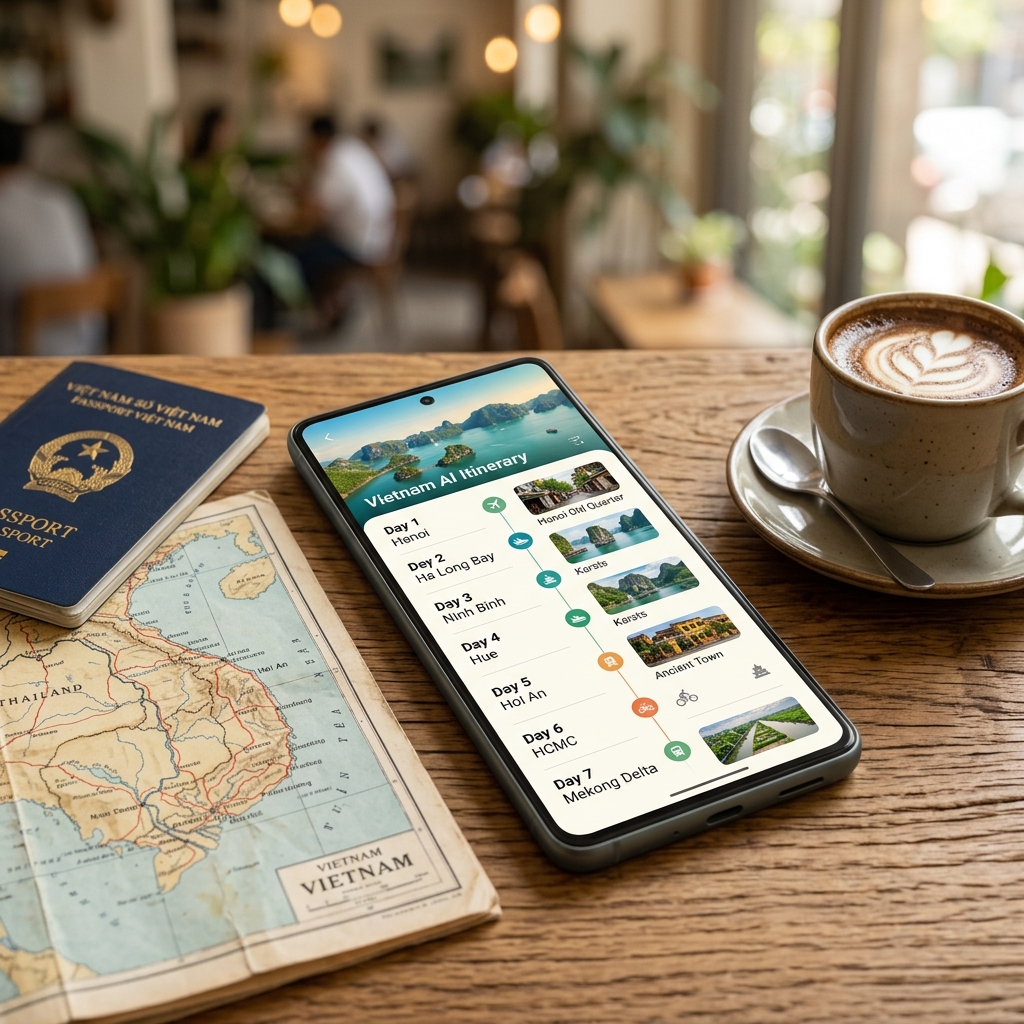
How to Plan a Trip with AI: 5 Steps from Idea to the Perfect Itinerary
Before AI, planning a five-day trip to Da Nang took four to six hours of research on average: reading dozens of hotel reviews, opening 15 browser tabs to compare restaurants, downloading maps to estimate travel times, and only then starting to piece together the schedule by hand, session by session. And every single time there was that nagging feeling of "I'm probably missing something great."
In 2026, planning a trip with AI has completely changed that process. You type in a few lines of information and AI returns a detailed, session-by-session itinerary in under 30 seconds. It's not magic — it's technology optimized in exactly the right place. This article shows you the precise five steps for using AI to plan a trip effectively, along with the common pitfalls to avoid.
Can AI Really Build a Good Travel Itinerary?
The honest answer: yes, but not for everything.
AI is great at the tasks humans find time-consuming and easy to overlook. It synthesizes thousands of data points — locations, distances, opening hours, user reviews — and arranges them into a logical itinerary in an instant. It's also good at suggesting places that match the preferences you enter (food, photography, relaxation, backpacking, and so on) and at adjusting to your budget fairly accurately.
But AI can't yet replace some important things. It can't feel the "vibe" of a street in the early morning, it doesn't know whether Aunt Nam's bun bo stall is better than a famous restaurant chain, and it can't handle the unexpected situations that come up on the road. AI produces a good draft — but the experience of someone who has actually been there is something you can't copy.
Knowing this is how you use AI the right way: treat it as a smart research assistant, not a replacement for a real guide.
5 Steps to Plan a Trip with AI Effectively
Step 1: Nail Down the 4 Core Pieces of Information
Before you open any AI app, get clear on the following four pieces of information. These are the raw materials AI uses to create a fitting itinerary — leave one out and the result will be generic and useless.
1. Destination (or the region you want to explore) The more specific the better. "Da Nang and the surrounding area" beats "Central Vietnam." If you want to cover several places, list them out — AI will work out the optimal route for you.
2. Number of days and specific travel dates Concrete dates help AI factor in weather and local events (festivals, peak season). "3 days, 2 nights from July 20 to 22" gives a better result than "3 days, 2 nights."
3. Budget per person per day Don't be shy about telling AI your budget. Around 500K, 800K, or 2 million per day are completely different tiers when it comes to accommodation, food, and transport choices.
4. Travel style This is the information AI needs most to personalize: relaxation (mostly lounging on the beach), backpacking (hiking, camping), culture (museums, craft villages), food (hunting for local spots, trying specialties), family (with young children), or a mix.
💡 Practical tip: Spend five minutes writing these four pieces of information on paper before you type a prompt. Many people skip this step and then complain that AI gives "bland" results. The problem isn't AI — it's insufficient input.
Step 2: Choose the Right AI Tool for Your Needs
Not every AI tool is the same. There are quite a few options in 2026, but here are the three main groups and the real-world differences between them:
| Tool | Strengths | Weaknesses | Best for |
|---|---|---|---|
| ECSATrail | AI specialized in Vietnam travel, natural Vietnamese, real-world verified places | Only covers the Vietnamese market | Domestic travel that needs accurate data |
| ChatGPT / Gemini | Flexible, broad knowledge, multilingual | Doesn't verify real-world places, can hallucinate | Brainstorming ideas, sketching a rough itinerary frame |
| Wanderlog / Itinerary.ai | Intuitive UI, group-sharing features, integrated maps | Weak Vietnam data, English-only interface | International travel or people used to foreign tools |
A practical suggestion: if you're traveling domestically, use a tool built for the Vietnamese market. ChatGPT knows Hoi An exists, but it doesn't know which cafe is actually open on a Monday morning — and that matters a lot when you're scheduling your first morning.
Step 3: Write the Prompt Correctly — This Is the Most Important Step
The quality of the itinerary AI returns is directly proportional to the quality of the prompt you enter. This is the difference between a draft you can use right away and one you'll spend an hour editing:
A bad prompt:
"Plan a Da Lat itinerary for me"
Result: a generic itinerary, all the most famous spots, tailored to no one in particular.
A good prompt:
"I want to go to Da Lat for 3 days and 2 nights from July 20 to 22, 2026, two adults, budget 700,000 VND per person per day. We love pure black coffee, landscape photography, and trying local specialties. We don't like hiking or crowded tours. Please prioritize staying near the city center."
Result: a personalized itinerary, places filtered by preference, and a budget calculated for each session.
💡 Practical tip: Add what you DON'T want to the prompt. AI will filter out places and activities that don't fit — saving you editing time later. For example: "no crowded spots," "no fancy restaurants," "avoid areas far from the center."
💡 Second tip: If the first result isn't quite right, don't start over. Just say "Drop location X, add free time on the afternoon of day 2, cut the food budget to 200K per meal" — and AI will adjust exactly the right part.
Step 4: Review and Fine-Tune the AI's Suggested Itinerary
AI creates the draft — but you make the final call. There are four things to check carefully before you save the itinerary:
Real travel times AI estimates distances quite well, but it can't account for rush-hour traffic in the city center. If the itinerary stacks three morning stops in Saigon from 8 to 11 AM, add 15 to 20 minutes of travel time for each leg.
Opening hours and closing days Some places close on Mondays (museums, some specialty cafes), some open only seasonally. Do a quick check on Google before you lock in the itinerary — five minutes of checking saves you from showing up and turning right back around.
Buffer time AI itineraries tend to be quite packed. Add at least 30 minutes of buffer per half-day for extra eating, resting, or simply sitting and taking in the view. Travel isn't a marathon.
Fit with your actual energy Take a second look: the last day is usually more tiring, so schedule lighter activities. If you're traveling with young children or older adults, trim the number of stops per session down to two instead of three.
Step 5: Export and Share the Itinerary
The itinerary is complete — the final step is getting it off the AI screen and into your hands in a format that actually works on the road:
- Save a PDF or share a link with your travel companions so the whole group can view it at once and weigh in before the trip
- Sync with Google Calendar if the tool supports it — the itinerary will show up alongside your work schedule, avoiding conflicts
- Screenshot or download the key information (addresses, hotel phone numbers, special notes) so it works even without a connection
💡 Practical tip: Screenshot a map of each day's main area to your device. When you arrive in an unfamiliar place with spotty signal, an offline map in your photo library is a lifesaver.
🤖 Try it in 30 seconds: ECSATrail AI Planner applies exactly the five steps above — just chat with the AI, completely free, no credit card required.
What AI Can Do (And Can't Do Yet)
To use AI the right way, you need to know its boundaries clearly. Here's the most honest picture:
| AI DOES WELL | AI CAN'T REPLACE YET |
|---|---|
| Synthesizing information from many sources in seconds | Feeling the "vibe" and real-world atmosphere of a place |
| Suggesting places and activities that match the preferences you enter | Judging service quality at the moment you arrive |
| Calculating the optimal route by distance and sensible order | Recommending nameless local eateries that residents frequent |
| Adjusting the itinerary flexibly to your budget | Handling the unexpected: changing weather, overcrowding, sold out |
| Creating multiple options for you to compare and choose | Replacing the real experience of someone who's been there |
| Updating the itinerary quickly when you change your conditions | Guaranteeing opening-hours info is always 100% accurate |
The practical takeaway: AI is best at the research and framing stage — that is, the part that takes the most time and effort. The fine-tuning based on personal experience and handling things on the ground still needs you.
Frequently Asked Questions About Planning a Trip with AI
Does AI itinerary planning cost money?
It depends on the tool. Most AI itinerary apps have a free tier that lets you create a certain number of itineraries per month. Advanced features like real-time weather integration, suggestions based on your travel history, or exporting in multiple formats are usually on the paid tier. ECSATrail lets you create unlimited itineraries for free; premium AI features such as re-planning your itinerary based on real-time weather belong to the subscription plan.
Are AI itineraries accurate — can you trust them?
They're accurate at the "good to start with" level — not "trust absolutely." AI synthesizes data from many sources and arranges it logically, but location information can be outdated (a spot has closed, opening hours have changed). Always cross-check the important items (accommodation, main attractions) before you go. Specialized tools like ECSATrail verify places across multiple sources before adding them to the system, which reduces the risk of wrong information.
Does AI know lesser-known local spots?
This is where the tools diverge. ChatGPT and Gemini know places that have been written about a lot online — usually famous spots. Travel-focused platforms with their own database (like ECSATrail with its verified Vietnam location data) are better able to suggest lesser-known but higher-quality spots. For truly "underground" local rice eateries or check-in spots, you should still ask locals or a local travel community.
How long does it take to plan a trip with AI?
From entering your information to getting the first itinerary: 30 to 60 seconds. The real-world time, including review and fine-tuning, usually runs 15 to 30 minutes for a 3-to-5-day trip — compared with 4 to 6 hours by hand. The biggest time saver is not having to open dozens of browser tabs to research each place one by one.
Can I change the AI itinerary after it's created?
Absolutely, and this is one of AI's biggest strengths over a static itinerary. Instead of redoing it from scratch, you just say "add an evening at the night market," "drop the morning stop on day 2," or "I'm raising my budget to 1 million per day" — and AI updates exactly that part while keeping the rest intact. This is especially useful when you're already traveling and need to change plans on the fly.
Ready to Plan Your Trip with AI?
Planning a trip with AI isn't about replacing discovery — it's about freeing you from the most tedious part of the planning process (research, calculation, comparison, ordering) so you can spend more time and energy on the best part: the actual experience.
The five steps above aren't theory — they're the real process that thousands of people have used to plan their own trips. The only thing left for you to do now is try it.
Get started with ECSATrail AI Planner → — chat with it, get an itinerary in 30 seconds.
Read more: Top 10 Places to Visit in Vietnam 2026 | ECSATrail Travel Blog